
01Step
Unbox Your Device
Carefully remove your AUVRAYA Air™ and included accessories from the packaging.
- Nail dust collector × 1
- Power adapter with cable × 1
- Disposable filters × 30
- User manual × 1
AUVRAYA AIR™
Everything you need to know about your AUVRAYA Air™.
From your first setup to everyday care, discover how to get the most out of your professional nail dust collector.
Begin the guide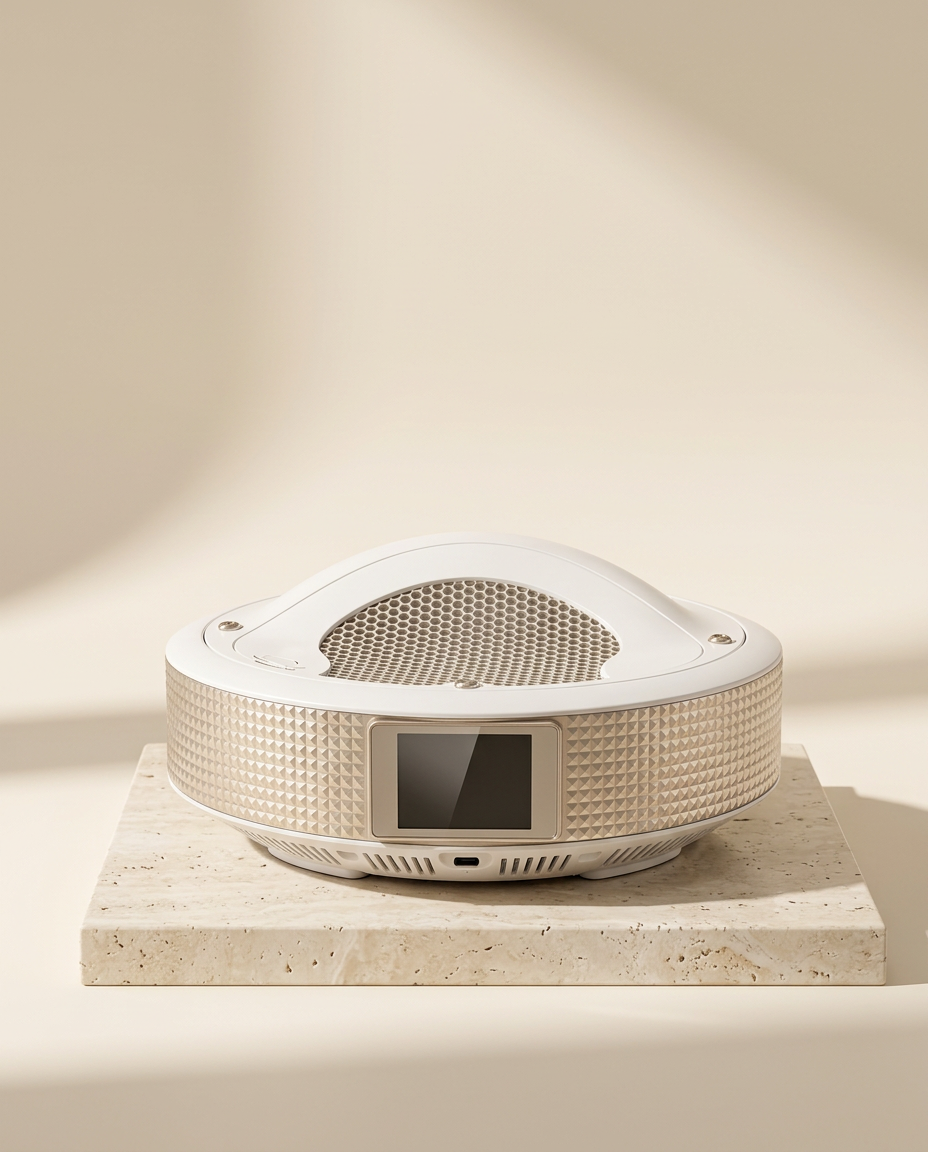
01 / Getting Started
Carefully remove your AUVRAYA Air™ and included accessories from the packaging.
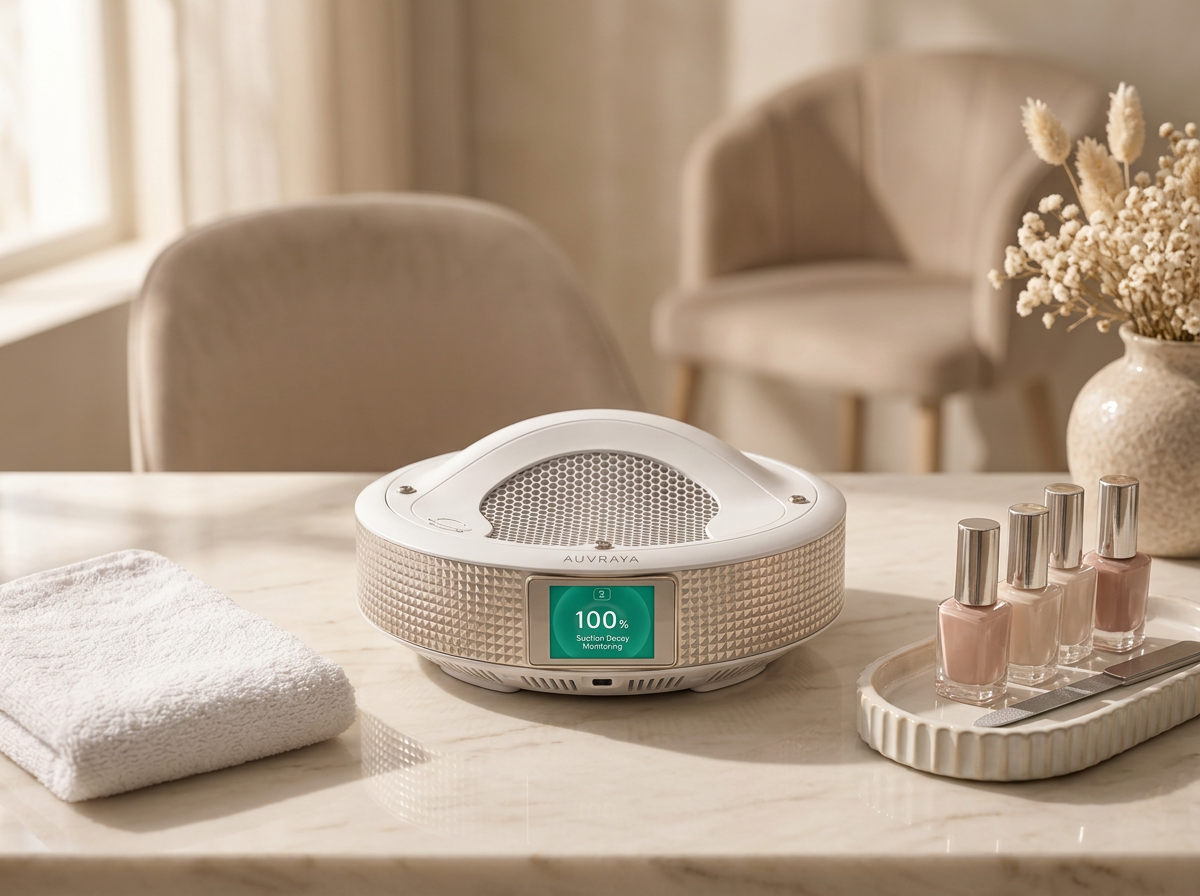
Place your device on a stable, level surface with sufficient space around its ventilation openings.
Dust is drawn in through the top intake and air leaves through the outlet at the base. Keep both clear.

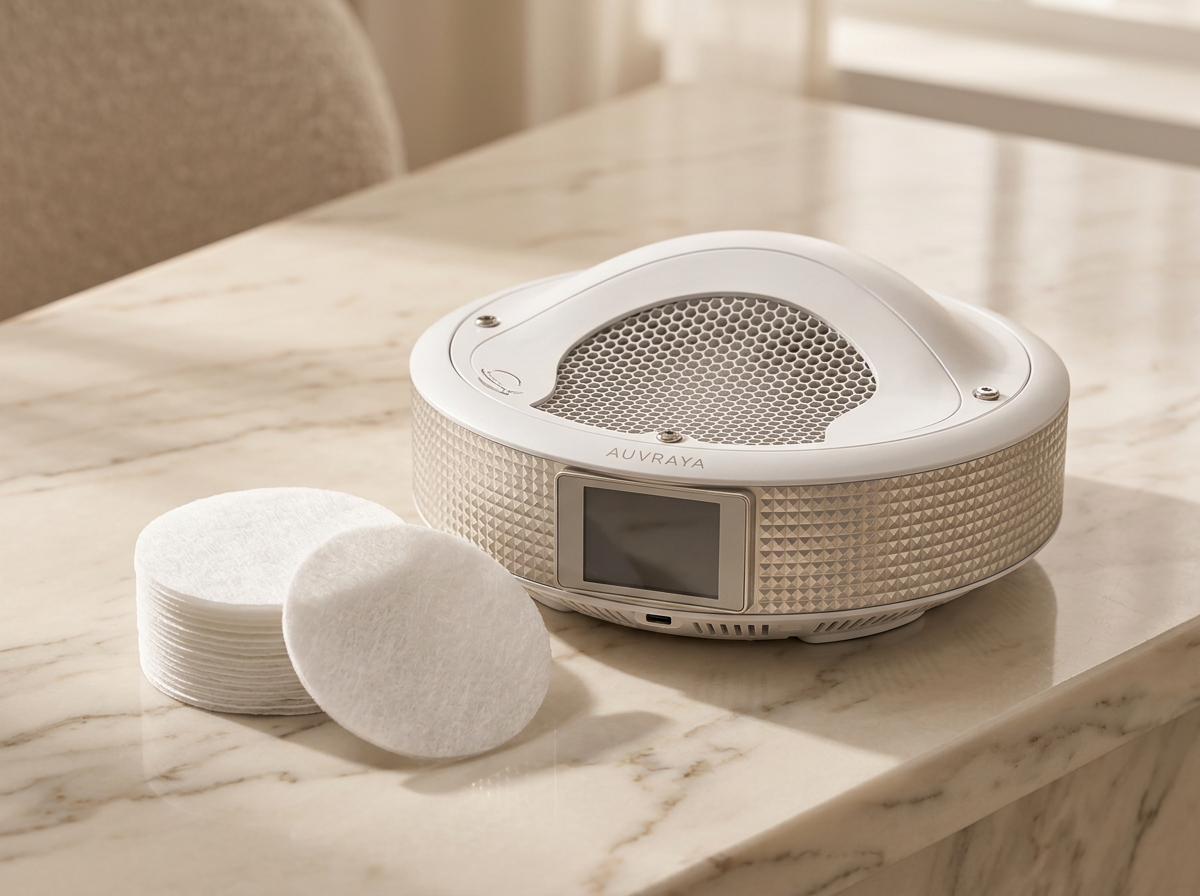
Confirm that the appropriate filter is correctly installed before use.
The filtration layers sit directly beneath the top cover. Never operate the device without a filter in place.
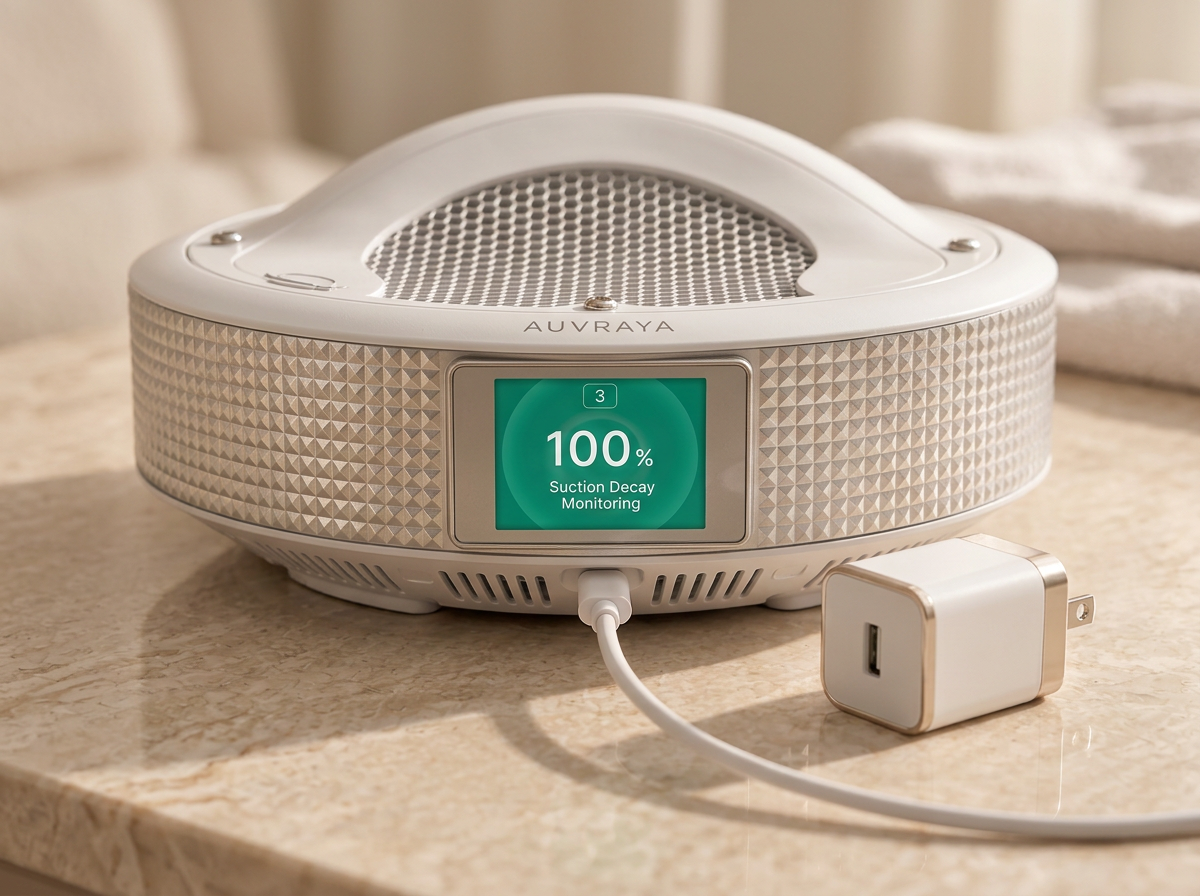
Connect the supplied power adapter according to the manufacturer's instructions.
Use only the adapter and cable included in the box. You'll find the power specifications in your user manual.
02 / Everyday Operation
Thoughtful controls designed to fit naturally into your nail care routine.

With the adapter connected, press the power button to switch your AUVRAYA Air™ on.
Use the + and − buttons to move between the four suction levels.
Rest the hand being worked on just above the top dust intake, so filing happens over the collection area.
File, shape or refine as usual. Filing dust is drawn down through the intake and into the filtration layers.
Press the power button again to switch off. Disconnect the adapter when the device is not in use or before any maintenance.
Press + to increase and − to decrease suction across levels 1–4. For guidance on each level, see your user manual.
Positioning
Position your AUVRAYA Air™ where it can collect filing dust without interrupting your natural working position.
Resting securely on a flat, stable work surface.
Hands above the intake, centered over the top grille.
Filing over the collection area, so dust falls toward the intake.
An organized station, with the base outlet and cable kept clear.
AUVRAYA Air™ helps capture filing dust at the source. It does not remove every airborne particle and is not a substitute for good room ventilation or the protective measures recommended for nail work.
03 / Device Care
A little routine maintenance helps keep your equipment ready for every appointment.
Switch off and disconnect the device before performing maintenance.
Follow the manufacturer's instructions to access the filtration compartment beneath the top cover.
Inspect the filter. The included filters are disposable — replace a used one with a fresh filter rather than washing it.
Keep exterior surfaces free from accumulated dust with a soft, dry cloth or the method in your user manual.
Ensure all components are correctly installed before operating the device again.
Understanding Your Device
Level indicator
The number at the top of the display shows the current suction level, from 1 to 4.
Suction monitoring
The percentage reading monitors suction. It's designed to let you know when suction drops, which can mean the filter needs attention. Your user manual explains each alert.
Power button
Turns the unit on and off.
Speed buttons + / −
Increase or decrease suction power across the four levels.
04 / Support
Quick answers to the most common questions. If something isn't covered here, our team is happy to help.
Connect the supplied power adapter and cable, then press the power button. Press it again to switch the device off.
Use the + button to increase and the − button to decrease suction. There are four levels (1–4), and the current level is shown at the top of the display.
The suction monitoring on the display is designed to let you know when suction drops, a sign the filter may need attention. Inspect the filter regularly and follow the replacement guidance in your user manual. Your device comes with 30 disposable filters.
Switch off and disconnect the device, then check the following:
If suction is still weak, contact our support team.
Always switch off and disconnect first. Wipe exterior surfaces with a soft, dry cloth or the method in your user manual. Never use water, liquids or harsh chemicals on electrical components, and replace disposable filters instead of washing them.
Make sure the supplied cable is firmly connected to both the device and the adapter, and that the adapter is plugged into a working outlet. Try another outlet if possible. If it still won't turn on, stop using it and contact support.
Your AUVRAYA Air™ includes 30 disposable filters. When you need more, contact our support team and we'll help you find the right filters for your device.
Visit our Support page to reach our team. Include your order number and a short description, plus a photo or video if you can, so we can help you faster.
A closer look at setting up, using, and caring for your AUVRAYA Air™.
Our video tutorial is in production.
Until then, the step-by-step guide above covers everything you need.
Our team is here to help you get the most out of your AUVRAYA experience.
Contact SupportAUVRAYA. Precision in every detail.